
Seven Scrolls1.0.6 - App Store
You'll be able to see results in few seconds.
Publisher Description
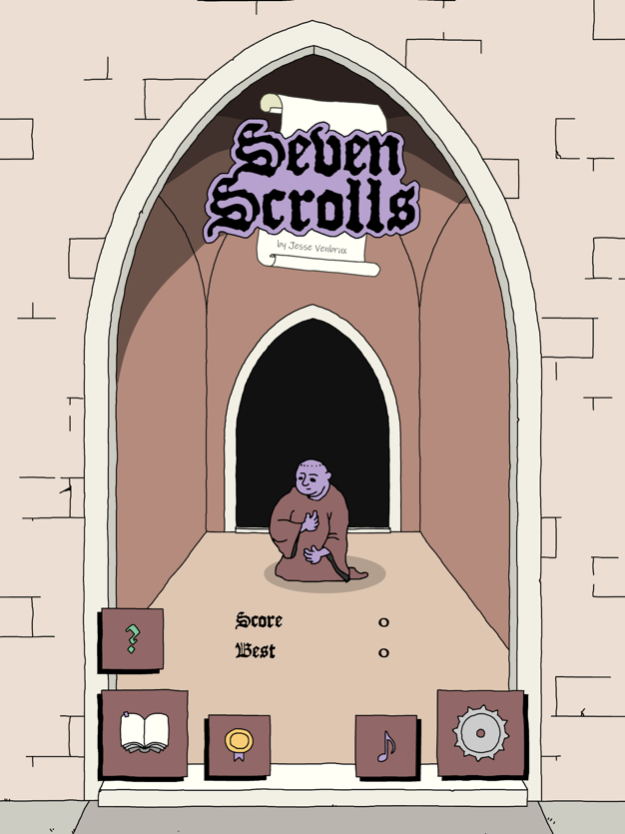
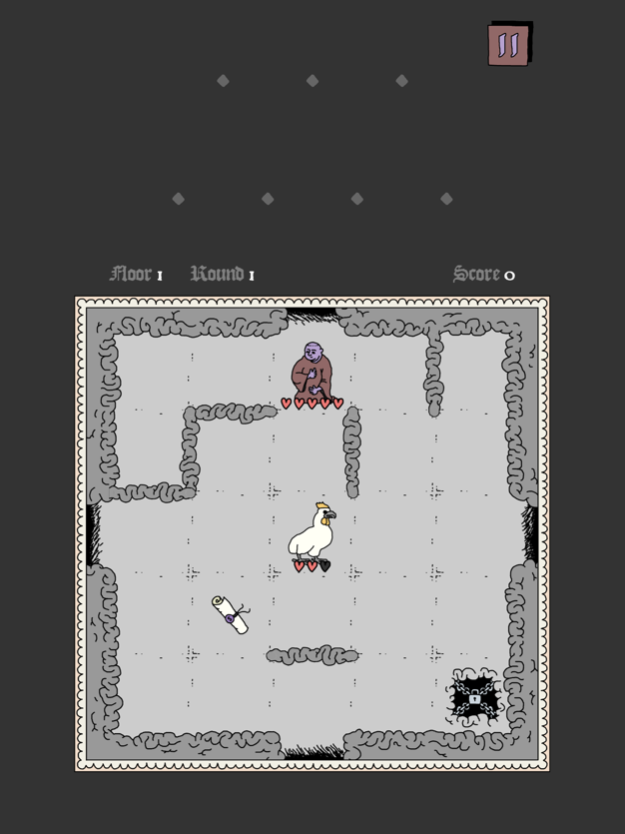
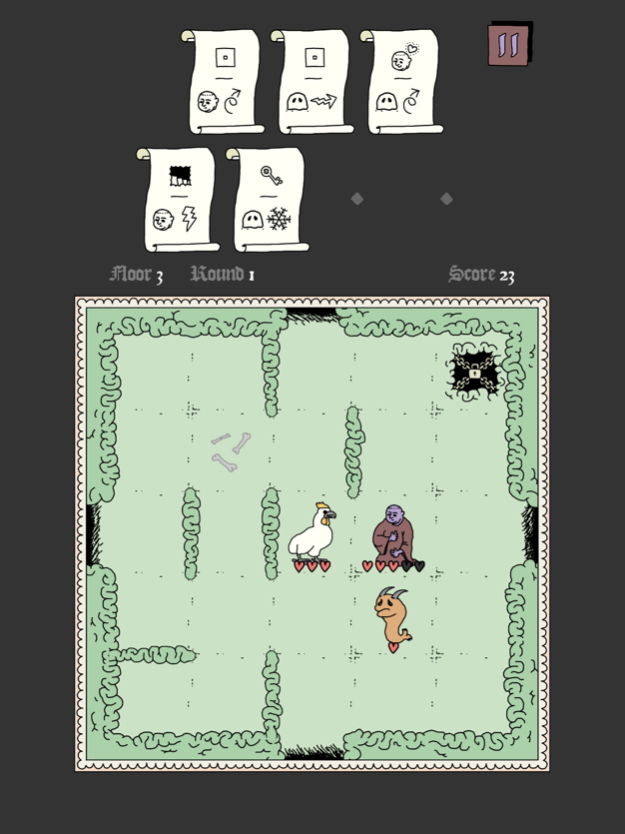
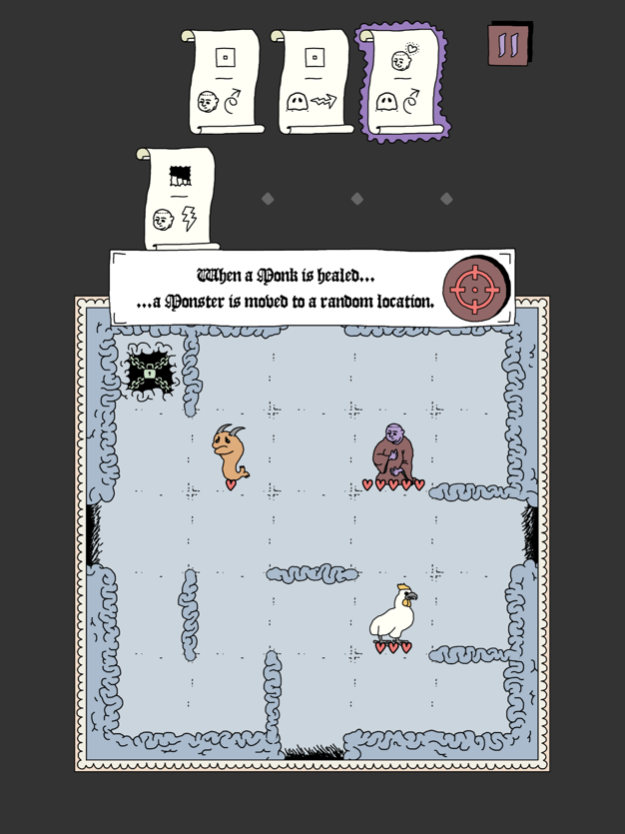
Play a Monk fighting with his Demons in this turn-based strategy puzzler!
The Basics
========
Move in 1 of 4 directions, shoot beams and kill Monsters. Collect the Key to gain access to the next floor. However, that's not enough to survive...
An intricate system of Spells
====================
Collect up to 7 scrolls, each with a unique combination of symbols. Scrolls are triggered by actions in the game, as indicated by the first symbol (the "trigger"). They can affect either the Monk or one of the Monsters.
When grabbing a scroll the meaning is explained, and you can always tap on them at any time in case you forgot.
Ever changing play sessions
====================
No play session is the same! Stages are always different, and the amount of combinations of Spells is close to endless. Survive long enough and you'll encounter some new Monsters and Items as well!
Consider various strategies
====================
Although scrolls can be triggered during normal play, they can also be used directly by pressing the Targeting Button. The caveat is that this removes the scroll after use, but this can be useful to make space for new ones. This gives you a lot of options to consider with each move!
Languages
========
English
Japanese (日本語で遊べます)
Spanish (jugar en español)
German (auf Deutsch spielbar)
Features & more
============
• Simple swipe controls
• Eerie ambience sound effects by Jake Almond
• Collect symbols and earn medals
• Progress is saved automatically
• Enjoy!
May 1, 2020
Version 1.0.6
- Game Center leaderboard
- Other small improvements
About Seven Scrolls
The company that develops Seven Scrolls is Jesse Venbrux. The latest version released by its developer is 1.0.6.
To install Seven Scrolls on your iOS device, just click the green Continue To App button above to start the installation process. The app is listed on our website since 2020-05-01 and was downloaded 0 times. We have already checked if the download link is safe, however for your own protection we recommend that you scan the downloaded app with your antivirus. Your antivirus may detect the Seven Scrolls as malware if the download link is broken.
How to install Seven Scrolls on your iOS device:
- Click on the Continue To App button on our website. This will redirect you to the App Store.
- Once the Seven Scrolls is shown in the iTunes listing of your iOS device, you can start its download and installation. Tap on the GET button to the right of the app to start downloading it.
- If you are not logged-in the iOS appstore app, you'll be prompted for your your Apple ID and/or password.
- After Seven Scrolls is downloaded, you'll see an INSTALL button to the right. Tap on it to start the actual installation of the iOS app.
- Once installation is finished you can tap on the OPEN button to start it. Its icon will also be added to your device home screen.
Program Details
System requirements
Download information
Pricing
Version History
version 1.0.6
posted on 2020-05-01
May 1, 2020
Version 1.0.6
- Game Center leaderboard
- Other small improvements
version 1.0.6
posted on 2020-05-01
May 1, 2020 Version 1.0.6
- Game Center leaderboard
- Other small improvements
Disclaimer
Official App Store Link
We do not host Seven Scrolls on our servers. We did not scan it for viruses, adware, spyware or other type of malware. This app is hosted by Apple and passed their terms and conditions to be listed there. We recommend caution when installing it.
The App Store link for Seven Scrolls is provided to you by apps112.com without any warranties, representations or guarantees of any kind, so access it at your own risk.
If you have questions regarding this particular app contact the publisher directly. For questions about the functionalities of apps112.com contact us.
